UIPrism

BetaDesign-system tooling

Turn UI sources into design-system components.

UIPrism reads a screenshot, breaks it into design tokens and components, maps them to shadcn/ui, and writes the result to Figma and Storybook.

Started as a bootcamp prototype. Tested with other designers. Development continues as a beta.

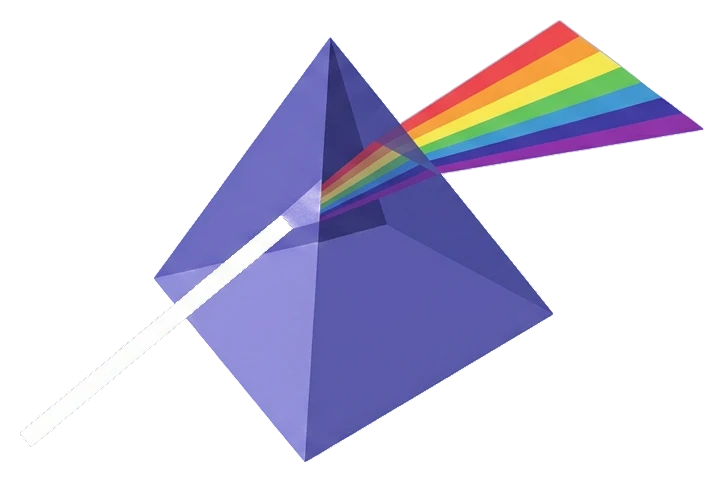
Illustration: a beam of light enters a prism and leaves as a spectrum. One source becomes a structured system.

The problem

Design and code drift apart over time.

Technology keeps renewing itself, and development and design do not grow at the same speed. Gaps form release by release, until the product carries years of them.

Gaps inside the design.
Patterns, colors and type sizes diverge as features are added, and the Figma library covers only part of what the product actually shows.
Gaps between design and code.
New frameworks and conventions reach the code first. Components get translated into React or whatever comes next at different times by different people, and the Figma library does not keep the same pace.
Closing them is manual.
Someone compares screens and code element by element, then redraws or rewrites what differs. Most converters only go one way, into Figma or out of it.

The gap kept coming up across teams, most recently at a cost-management platform for the construction industry with its own software and no design system.

How it works

One pipeline from source to system.

01 · READ AND MATCH

Break the source down, map it to a design system

The AI extracts design tokens (colors, typography, spacing, radius, shadows) and detects UI components, grouped as atoms, molecules, organisms and templates. Every value carries a confidence level, High, Medium or Low, so reviewers see what to check first.

  • Screenshot · available
  • URL · preview
  • Repository · preview
  • Figma file · via plugin

Each detected component is resolved against a component catalog instead of being redrawn freehand. Today that catalog is shadcn/ui with Tailwind, so Figma components and code components share one vocabulary. Using your own repository as the catalog is the next step.

Token view
Component list with preview

02 · WRITE

Write it where teams work

Figma: components, text styles and color styles, written by the UIPrism plugin. Code: JSX components and a tokens.css file to download. Storybook: a live preview with all detected components, their variants and controls.

Figma: component library
Figma: assembled template
Export: to Storybook
Storybook: finished template

Walkthrough

Watch an import from start to finish.

Status · Beta

What works today, and what does not yet.

Available

  • Screenshot import with token extraction
  • Component detection: atoms, molecules, organisms, templates
  • Mapping to shadcn/ui components
  • Figma export via plugin: components, text styles, color styles
  • Code download: JSX and tokens.css
  • Storybook preview

Preview

  • URL import
  • Repository import

Planned

  • Your own repository as the component catalog
  • Your own Figma design system as the component catalog

UIPrism is in beta. It started as a prototype in the Vibe Coding Bootcamp and has been tested with other designers. It is not in continuous use yet. Development continues.

Results are most reliable for single components. Full-page layouts are still being refined.

About

Built by Robert Kraus.

Senior UX/UI designer in Munich. Works with design systems in software for real estate and construction management, automotive and medical technology. UIPrism started from that daily work: the translation between source material and design system.